STOP BUILDING EVERY PRINTABLE FROM SCRATCH.START WITH A STRUCTURED PRODUCT SYSTEM.
Choose a Theme World. Choose a Sheet Builder. Paste the matching prompt into ChatGPT Image, generate the visual, refine what needs attention, then prepare the approved artwork for your own printable products, bundles, bonuses or client work.

Turn Prompt Outputs Into Assets You Can Package in More Than One Way
If you already build digital offers, bonuses, PLR packs, Etsy printables or client deliverables, the problem is rarely a lack of ideas. The problem is turning ideas into a coordinated set of usable assets without rebuilding the production plan every time.

Use the System as a Starting Point for:
Marketplace examples are shown for category context.
Beautiful Images Are Easy to Generate. Building a Usable Product Takes Structure.
A sellable printable collection needs more than attractive images. It needs useful sheet types, workable spacing, varied asset functions and enough consistency to package the pieces as one product.
Random Sheet Types
You keep generating attractive sheets, then realize the folder still lacks the functional pieces needed to turn it into a coherent pack or bundle.
Crowded Outputs
Pieces overlap, shrink or touch the page edge because decoration took priority over practical cutting and print size.
Category Drift
You ask for tags and get cards, illustrations, labels and random scraps because the prompt never locked the paper function.
Visual Drift
The first sheet feels like an archive. The next feels modern. The third changes palette completely.
Prompt → ChatGPT Image → Review → Edit → Export → Package
The prompts provide the production direction. You decide which generated version is worth keeping and how the final asset is prepared.
Choose
Select one Theme World and the Sheet Builder that fits the asset you want to create.
Paste & Generate
Copy the complete prompt into ChatGPT Image and create the first visual direction.
Review
Check the piece count, category mix, text, spacing, cut edges, overlap and overall usability.
Refine or Edit
Regenerate inside ChatGPT when useful, or polish the artwork with your preferred design or editing tool.
Prepare & Export
Resize or upscale if needed, verify final dimensions and export the version you want to deliver.
Use or Package
Place approved outputs inside your own printable product, bundle, bonus, client project or commercial offer under the included rights.
See What One System Can Create Across Very Different Worlds
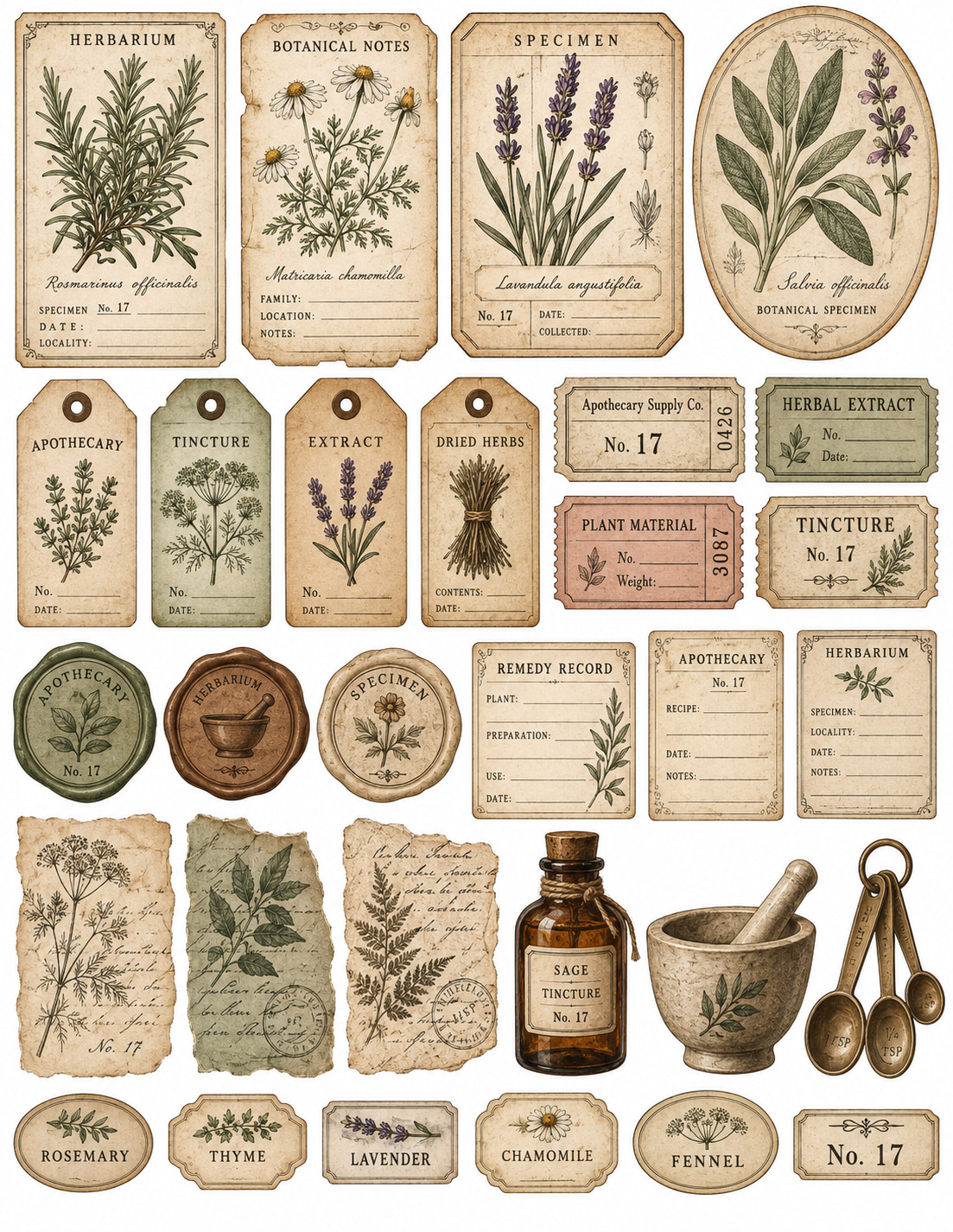
Six examples are shown first to keep the page clean. Open the full gallery to view all 15 representative Theme World examples.


VIEW ALL 15 THEME EXAMPLES + SHOW ONLY 6 EXAMPLES −

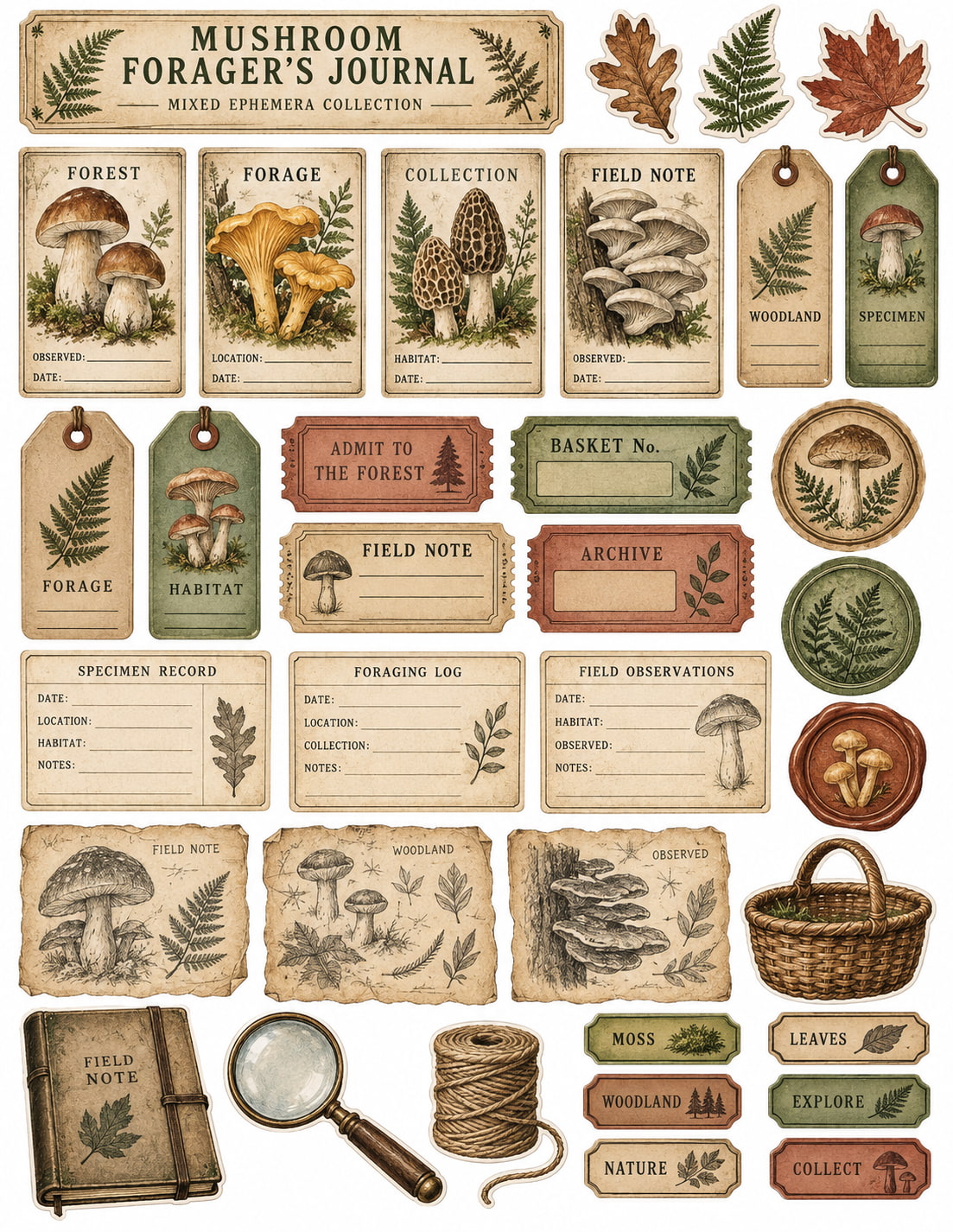
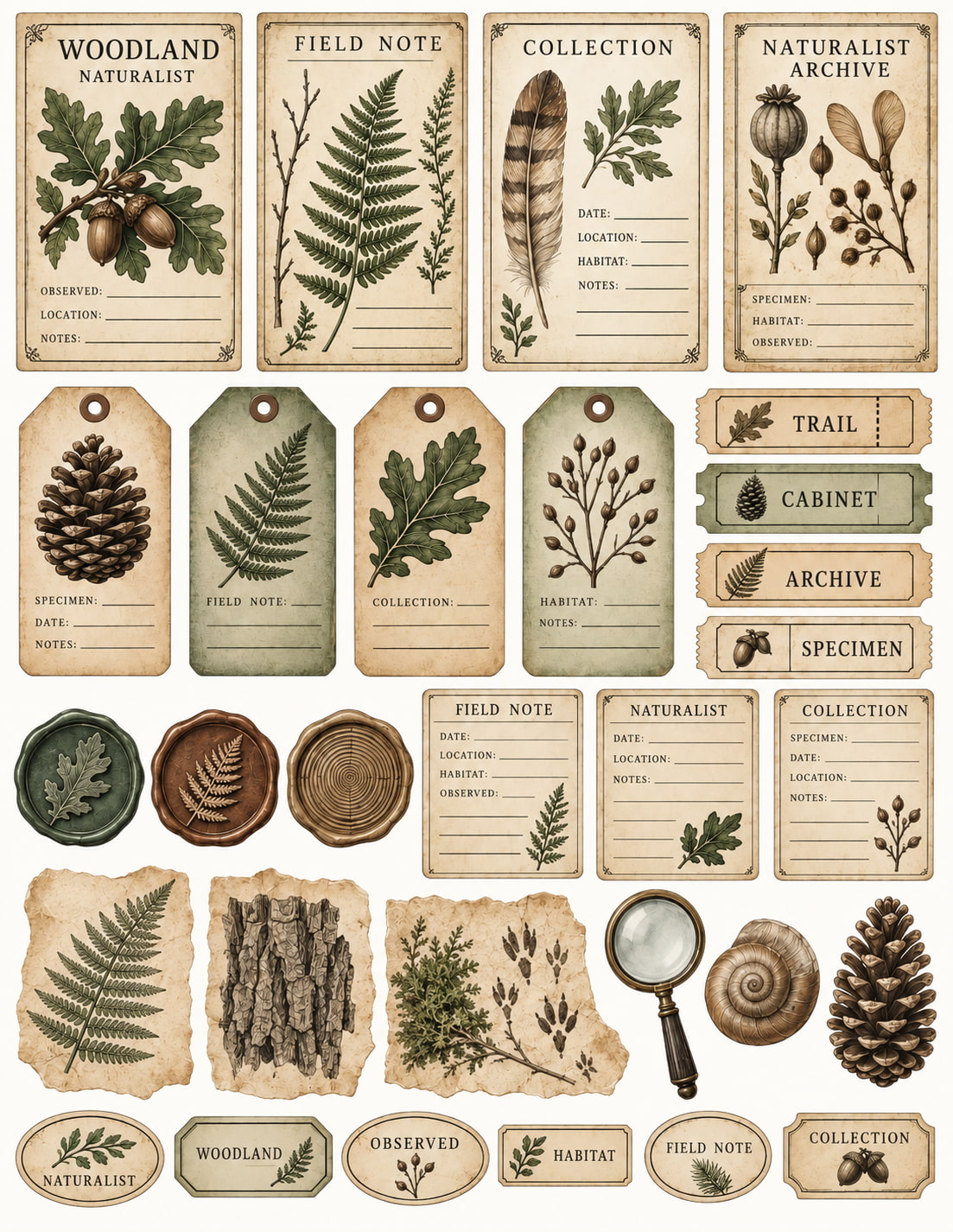
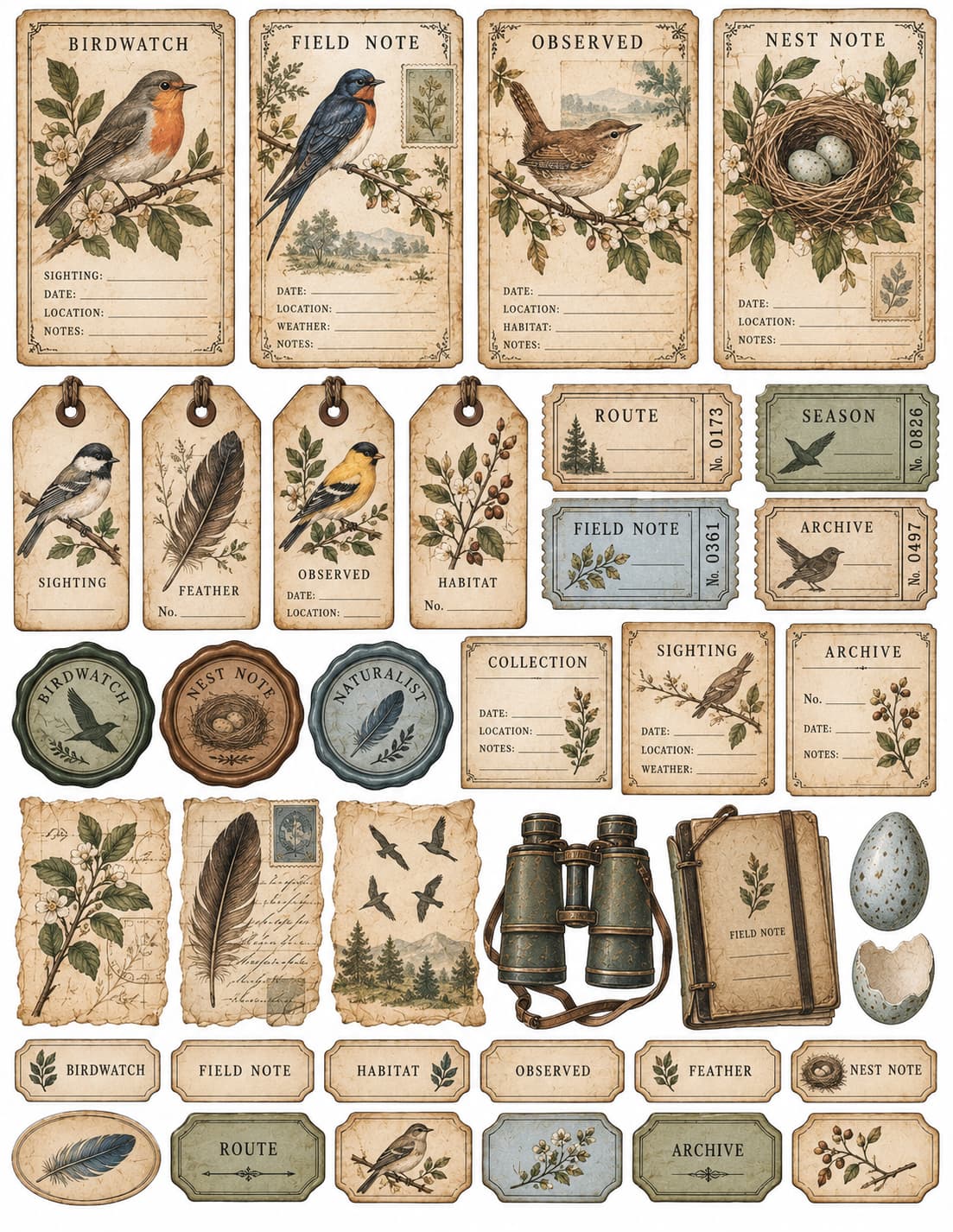

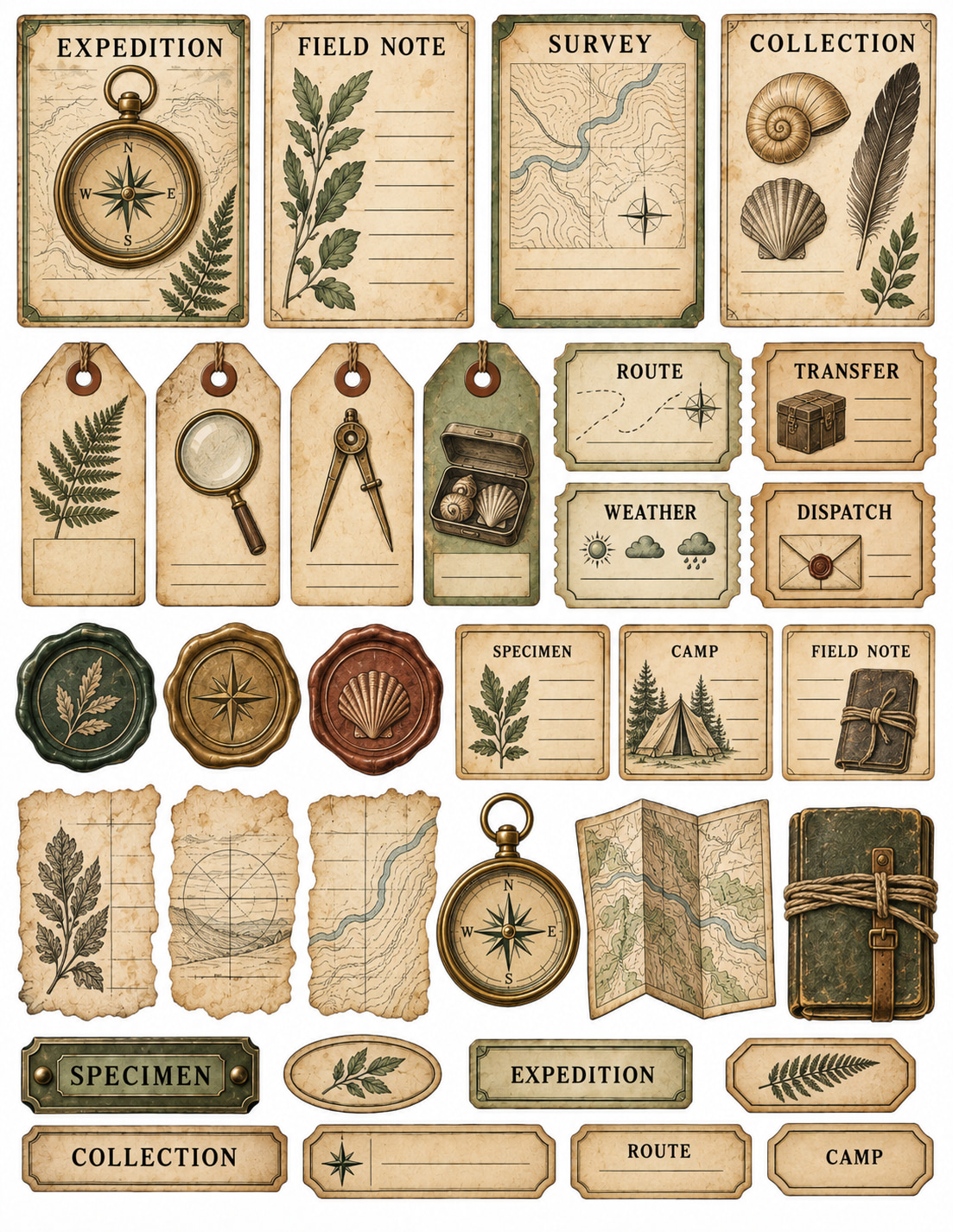

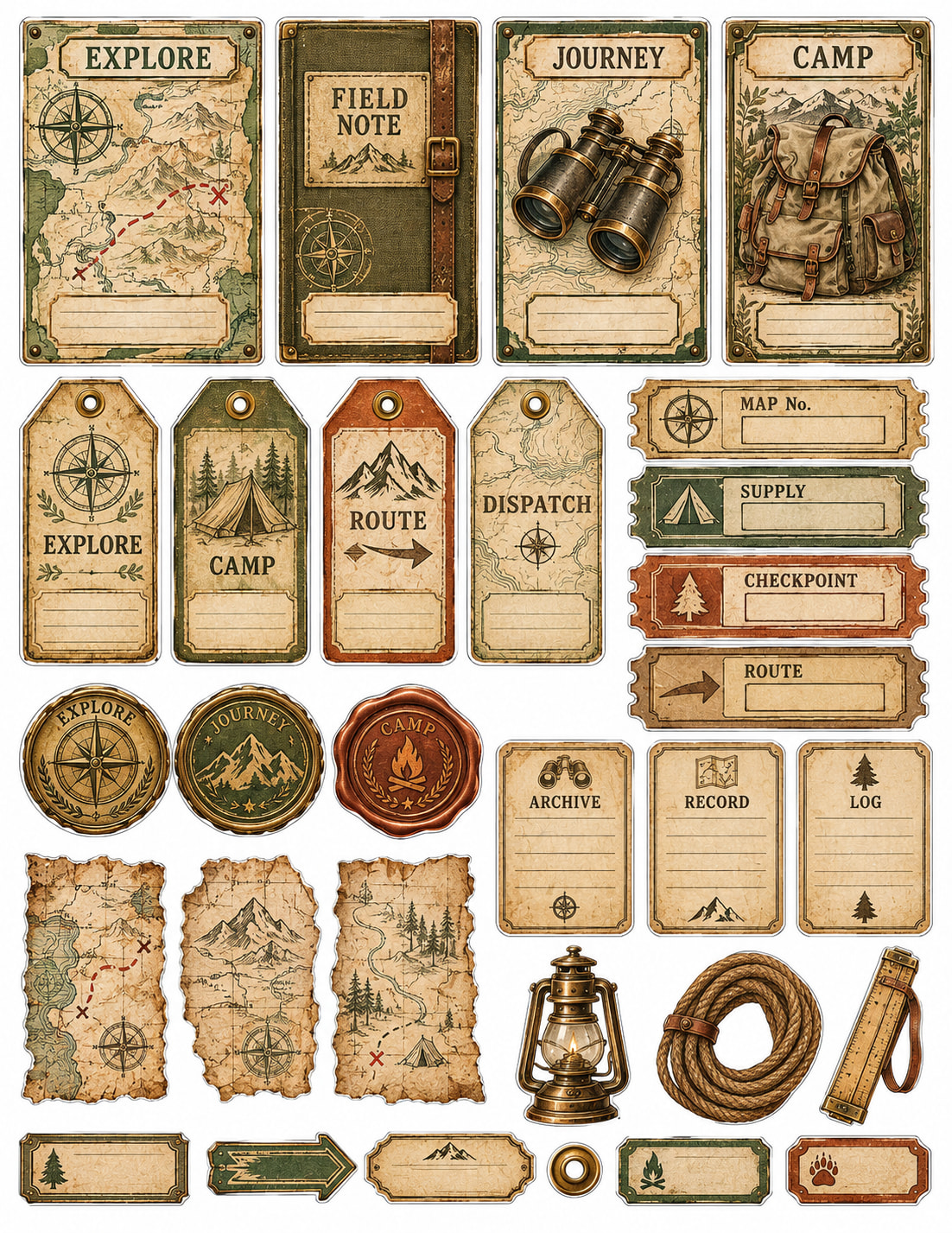

Representative AI-generated examples. Individual generations may differ.
Build Only the Sheets Your Product Needs
The same 12 builders repeat across every Theme World, giving each prompt a clear production target while the visual world changes.
Thirty Starting Worlds — Each With Its Own Visual Identity
Each Theme World carries its own motif pool, palette, paper character, vocabulary and period cues while using the same 12-builder production system.
Botanical & Natural
- Botanical Apothecary
- Vintage Herbarium Archive
- Mushroom Forager’s Journal
- Woodland Naturalist Archive
- Vintage Birdwatcher’s Journal
- Cottage Garden Archive
Science & Exploration
- Victorian Naturalist Expedition
- Antique Astronomy Observatory
- Victorian Entomology Cabinet
- Ocean Naturalist Expedition
- Steampunk Inventor’s Workshop
- Explorer’s Field Archive
Books & Correspondence
- Secret Library Archive
- Poet’s Writing Desk
- Antique Postal Office
- Pen Pal Correspondence
- Vintage Bookshop Archive
- Forgotten Manuscript Archive
Mystical & Folklore
- Celestial Alchemy Archive
- Witch’s Botanical Cabinet
- Enchanted Forest Archive
- Fairy Naturalist Journal
- Forest Folklore Archive
- Haunted Curiosity Cabinet
Travel, Home & Nostalgia
- Grand European Travel Archive
- Old Railway Journey
- Vintage Seaside Explorer
- Vintage Sewing Room Archive
- Heirloom Recipe Archive
- Vintage Christmas Correspondence
Each Prompt Carries a Structured Production Architecture
The prompts do more than name a theme. They tell the image model what the sheet is supposed to contain, how the pieces should function and which common output failures to avoid.
Inside the Prompt
- Theme DNA Lock
- Count Target + Internal Breakdown
- Function Lock
- Category / Anti-Drift Lock
- Text + Fallback Rules
- Visible-Piece Count Rule
- Cut Edge + Safe Margin Controls
- Print-Quality Direction
- Portrait US Letter production target
The Complete Front-End System — Not Just a Prompt List
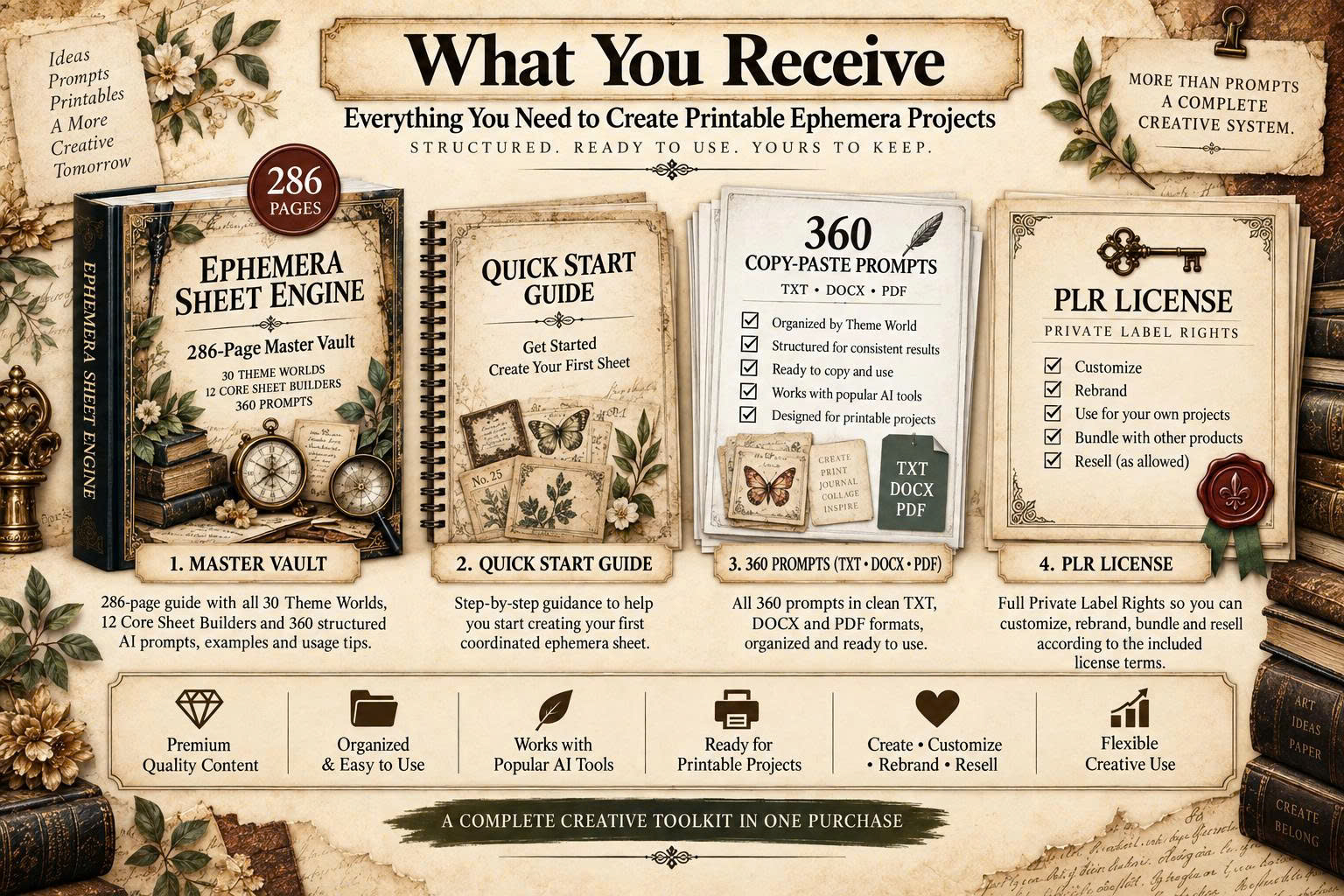
- 286-Page Master Vault with the complete 30 × 12 system.
- 360 structured AI image prompts — one for every Theme × Builder combination.
- 15-Page Quick Start Guide for navigation, generation, refinement and quality review.
- Built primarily for ChatGPT Image with a copy-and-paste workflow.
- PDF + DOCX + TXT prompt library for reading, editing and copy-paste use.
- Theme DNA + production controls for count, category, spacing, cutting and print preparation.
- Full PLR + Resell Rights + Master Resell Rights across the complete FE package.
- 5 implementation bonuses for planning, packaging, rebranding, listing and presentation.
Creation Is Only One Part of a Digital Product Workflow
The bonus stack covers the steps that typically come after the prompt library: choosing the product angle, organizing delivery, rebranding, preparing listing copy and presenting the finished files.
Ephemera Product Profit Planner PRO
- 5 product models
- HERO / UTILITY / FINISHING role strategy
- 30-theme direction map
- 10-Area Product Feasibility Gate
- Batch Planner + 7-Day Product Build Sprint
Printable Packaging & Delivery Blueprint
- Master vs. customer file separation
- PDF / JPG / PNG / ZIP decisions
- Professional folder and file naming
- Manifest + Version Control + ZIP Testing
- 4-Gate Delivery Integrity System
PLR Rebrand & Resell Playbook
- 5 derivative-product models
- 6-Axis Differentiation Framework
- Prompt rewrite guidance
- Customer Rights Planner
- 7-Day Rebrand Sprint
Ephemera Listing & Visibility Vault PRO
- Product Fact Lock System
- Title + description engines
- Feature → Function → Benefit translator
- FAQ + objection handling
- Listing image copy + platform copy adapter
Ephemera Mockup & Preview Studio PRO
- Source Artwork Preservation System
- Hero Preview + Product Overview
- Multi-Sheet Showcase + Detail Preview
- Scale + format presentations
- What-You-Receive visuals
- Six-image presentation workflow
Full PLR + Resell Rights + Master Resell Rights
The core product and all five bonuses are supplied under the included Full PLR + RR + MRR license.
Create Finished Printables
Prompt → Generate → Review → Edit → Export → Package
Use the prompt system to create artwork, prepare the final file and package approved output inside your own printable products or client projects.
Rebrand & Resell the Materials
Edit → Customize → Rebrand → Repackage → Resell → License
Customize and repackage the supplied FE materials under your own brand, and grant downstream rights according to the included license terms.
Rights You Can Use
- Edit, customize, combine and reorganize the materials
- Rename, rebrand and repackage the FE
- Use materials as bonuses, giveaways or client resources
- Sell Resell Rights and pass Master Resell Rights
Basic Brand & Compliance Boundaries
- Do not impersonate Ann Le or claim to be the original vendor
- Do not ignore current AI-provider, marketplace or IP rules
- Do not publish generated output without reviewing the finished asset

Built for creators who want a clearer production path.
I’m Ann Le, an independent digital product creator focused on practical AI-assisted resources for printable makers. I created Ephemera Sheet Engine to turn a loose image-generation process into a more organized product-building workflow.
Support: support@annle89.com
Ephemera Sheet Engine
286-page Master Vault • 360 structured prompts • 30 Theme Worlds • 12 Sheet Builders • 5 implementation bonuses • Full PLR + RR + MRR
One-time purchase. No recurring fee from this Front-End.
Built primarily for ChatGPT Image. Optional upgrades may be shown after purchase and are not required to use the Front-End.
Know Exactly What You’re Getting
Quick answers to the most important questions before you buy.
What exactly is Ephemera Sheet Engine?
It is a structured AI prompt-and-workflow system built primarily for ChatGPT Image. Choose a Theme World, choose a Core Sheet Builder, paste the matching prompt into ChatGPT Image, then review, refine or edit the generated artwork before preparing the final file.
What is included in the Front-End?
You get the 286-page Master Vault, 30 Theme Worlds, 12 Core Sheet Builders, 360 structured AI image prompts, a 15-page Quick Start Guide, PDF + DOCX + TXT prompt files, Full PLR + Resell Rights + Master Resell Rights, and all 5 bonuses included with your purchase.
Am I buying 360 finished printable images?
No. You are buying 360 structured prompt directions. You use the prompts to generate artwork, then review and prepare the versions you want to keep.
Do I need special software or an API key?
No API key is required for the normal copy-and-paste workflow. The prompts are built primarily for ChatGPT Image; availability and generation limits depend on your current ChatGPT plan.
What size are the printable sheets designed for?
The core format is Portrait US Letter, 8.5 × 11 inches. 2550 × 3300 pixels at 300 DPI is the intended final production target to verify during export; generated files may need resizing or upscaling before final delivery.
Do I need to use all 360 prompts?
No. The vault is a menu, not a checklist. Use only the Theme Worlds and Sheet Builders that fit the product you want to create.
Will every ChatGPT Image result be perfect on the first try?
Not always. The prompts provide structured production targets, but generated results can vary. Review the output and refine, edit or regenerate when useful.
Can I sell the finished printables I create?
Yes, under the supplied license and subject to current AI-provider, marketplace and intellectual-property rules. Review the finished asset before publishing or selling it.
What can I do with Full PLR + RR + MRR?
You may edit, customize, reorganize, rebrand and repackage the FE materials, resell them, use them as bonuses or giveaways, use them in client projects, sell Resell Rights, and pass Master Resell Rights according to the included license.
Do the 5 bonuses follow the FE rights license?
Yes. All 5 bonuses are included under the same Full PLR + Resell Rights + Master Resell Rights package.
Does the marketplace research mean my products are guaranteed to sell?
No. The marketplace image is shown as category context only. Product performance depends on the offer, execution, platform rules and market conditions.
What happens after I purchase?
WarriorPlus processes the order and gives you access to the product delivery page and the files included with the Front-End.
What is the refund policy?
Contact support@annle89.com within 14 days for a genuine access problem, corrupted or missing file, duplicate purchase or material delivery mismatch. Support will first try to resolve the issue; eligible unresolved cases may qualify for a refund under the policy below.
14-Day Conditional Refund & Product Support
Ephemera Sheet Engine is a downloadable digital product. If you experience a genuine access problem, corrupted or missing file, duplicate purchase, or believe the delivered product is materially different from what is described on this page, contact support@annle89.com within 14 days of purchase.
Support will first work to resolve the issue, replace affected files or provide access assistance. If a legitimate product or delivery issue cannot be resolved, an eligible refund may be issued under the offer terms and applicable payment process.
This vendor policy does not limit any rights or remedies that may apply under applicable law or the rules of your payment provider.
Stop Rebuilding the Same Production Logic From Zero.
Choose the world. Choose the sheet function. Run the structured prompt. Review the output, prepare the version you want to keep, then package it around the product you are building.
One-time purchase • Digital delivery • 5 bonuses included • Optional upgrades separate