
AI Video • Serial Storytelling
Micro Drama Empire Review
A closer look at a connected short-form storytelling workflow built around recurring characters, episodes, and cliffhangers.
Read Review →Most AI infographic problems start before the image generator ever sees the prompt. The topic may be good, but the information architecture is weak. InfoPrompts AI is interesting because it tries to solve that planning layer first: how the idea should be organized, what visual structure fits it, and how to turn that structure into a reusable prompt.

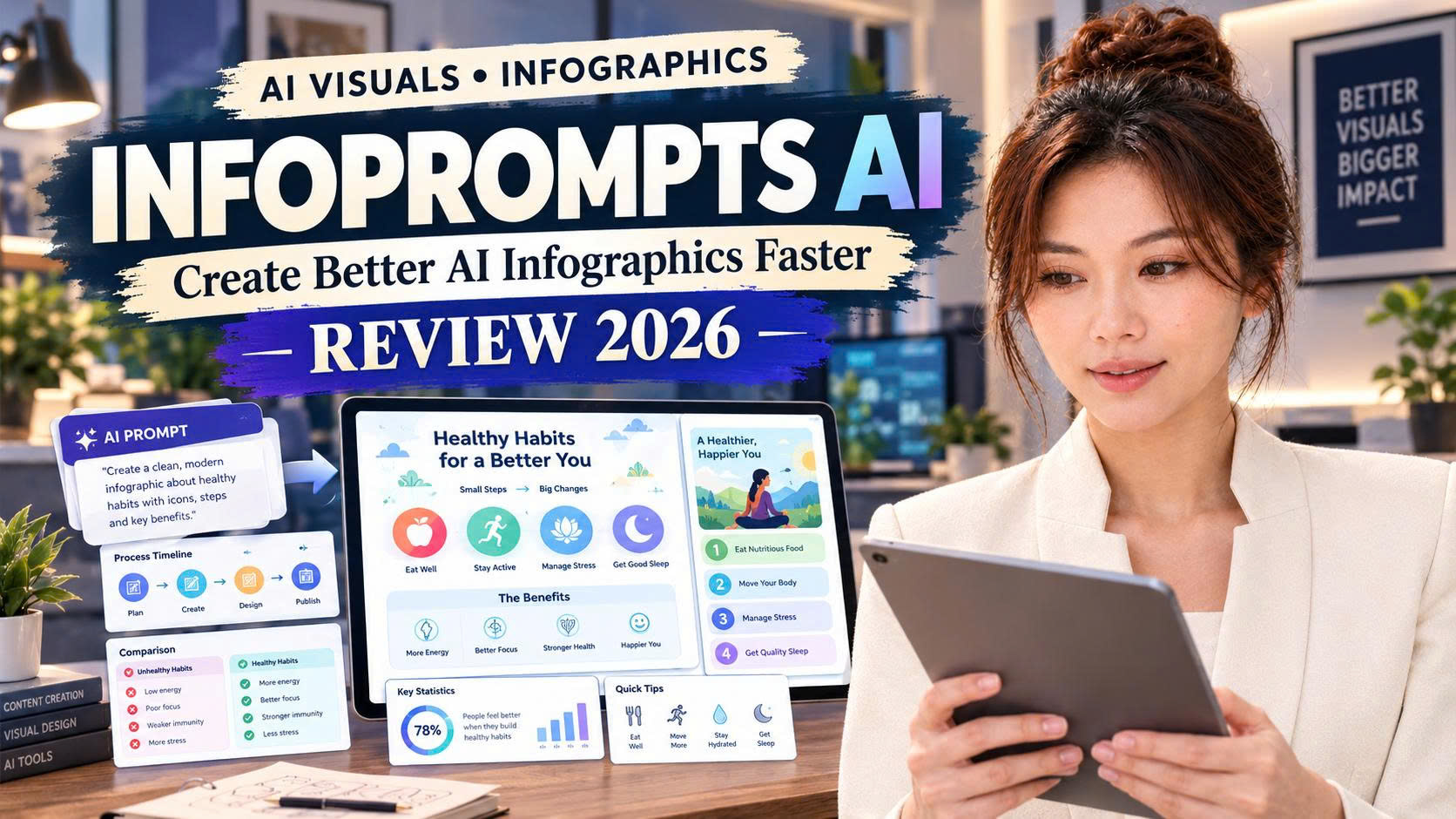
A polished infographic can still be a poor communication asset if the hierarchy, sequence, and visual logic are wrong.
That is why generic instructions such as “create an infographic about email marketing” so often produce something that looks finished but feels directionless. The AI has a topic. It does not necessarily have a useful information model.
InfoPrompts AI is a structured infographic prompt workflow. You enter a topic, choose an infographic framework and visual direction, and the tool assembles more detailed instructions that can then be used with a compatible AI image generator.
The distinction matters: InfoPrompts AI is not the final image generator itself. It sits one layer earlier in the process and helps convert a loose idea into a more deliberate visual brief.
Start with the subject you want to explain, teach, compare, summarize, or promote.
Select a framework based on how the information should be understood, not simply how the final graphic should look.
Guide the tone, presentation, orientation, and overall visual personality.
Let the software assemble the detailed prompt structure instead of building every instruction manually.
Move the completed prompt into a compatible generator and review the output before publishing.
Check text, facts, spacing, hierarchy, branding, and any visual artifacts that still need correction.
The product becomes more useful when you stop viewing the 30 frameworks as “30 prompt variations” and start viewing them as 30 different ways to communicate information.
See the Current InfoPrompts AI Offer →The front-end includes 30 infographic frameworks. The useful part is that those frameworks change the information architecture rather than simply changing the art style.
For creators who repeatedly explain ideas online, that flexibility can matter more than having hundreds of unorganized prompts.
Take a simple topic such as “How to Start a Vegetable Garden.” The same subject could be organized as a beginner roadmap, seasonal timeline, mistake checklist, planting cheat sheet, decision tree, buyer guide, or problem-solution graphic.
That is one of the stronger use cases I see for InfoPrompts AI: helping a creator get more mileage from an idea without forcing every asset into the same structure.

At the time this review was prepared, the vendor presented the offer through a multi-step funnel. The upgrades are optional, and I would evaluate each one separately rather than assuming you need the entire funnel.
| Offer | What It Adds | Listed Launch Price* |
|---|---|---|
| Front End | 30 infographic frameworks | $27 |
| OTO 1 — Pro | 30 additional frameworks + more visual directions | $37 |
| OTO 2 — Carousels | Multi-slide social media carousel prompt creation | $37 |
| OTO 3 — Graphics Builder | Template-based graphic creation software | $47 |
*Prices and funnel configuration may change. Check the vendor's current offer and checkout pages before purchasing.
I did not want to add another pile of generic infographic prompts. These bonuses focus on ideation, hooks, calls-to-action, quality control, repurposing, and client workflow — the areas that become important after the prompt itself has been generated.
A large topic bank across multiple content categories, designed to give you useful starting ideas to run through the software.
Headline and hook starters for how-to content, comparisons, myths, warnings, mistakes, questions, beginner guides, and more.
Adaptable CTA ideas for lead generation, websites, social content, product promotion, and client projects.
A practical quality-control checklist covering typography, spelling, hierarchy, factual consistency, cropping, spacing, branding, and common AI-output problems.
A repurposing workflow for turning one strong visual concept into supporting blog, social, email, video, and promotional assets.
Client-work resources including project briefs, intake questions, revision and delivery checklists, pricing worksheets, outreach starters, and service-package ideas.
Bonus values are stated package values, not guarantees of resale value, income, or financial results.
InfoPrompts AI earns a strong score from me because it addresses a real friction point in visual content creation: the gap between having a topic and knowing how that topic should be structured visually.
I would not buy it because “AI infographics are hot.” I would evaluate it because structured prompts can make a repeatable workflow more efficient, especially for creators who publish visual explanations regularly.
The limitation is equally clear: the product does not replace the image generator, and it does not remove the need for human review. Text errors, weak facts, poor hierarchy, and bad generations can still happen.
For an experienced prompt engineer with a mature infographic system, the time savings may be smaller. For a creator who often knows what to explain but wastes time deciding how to structure it, the product is much easier to justify.
If InfoPrompts AI fits the kind of visual content you already create, start with the core workflow and judge it on one question: does it help you move from topic to structured visual brief faster and more consistently?
Visit the Current InfoPrompts AI Offer →

These additional reviews cover adjacent publishing, printable, mystery, and visual-content workflows so you can compare tools by the job they are designed to do.
A closer look at a structured workflow for planning and producing fact-based book content.
Read Review →A prompt-driven system for developing a themed coloring-book series rather than isolated pages.
Read Review →A practical printable-creation workflow for digital sellers who want to move from ideas to usable assets faster.
Read Review →An AI-assisted mystery workflow for creators interested in story-led publishing assets.
Read Review →A review of a printable cold-case style mystery workflow built around interactive digital products.
Read Review →A themed AI creation system for visual storytelling, recurring characters, and seasonal content.
Read Review →If you purchased InfoPrompts AI through my affiliate link and have trouble locating or downloading your bonuses, email me at support@annle89.com.
Please include the email address used for your purchase so I can help you more quickly. This address is for Ann Le affiliate bonus support; product support, refunds, and vendor account issues should be directed to the vendor's official support channel.